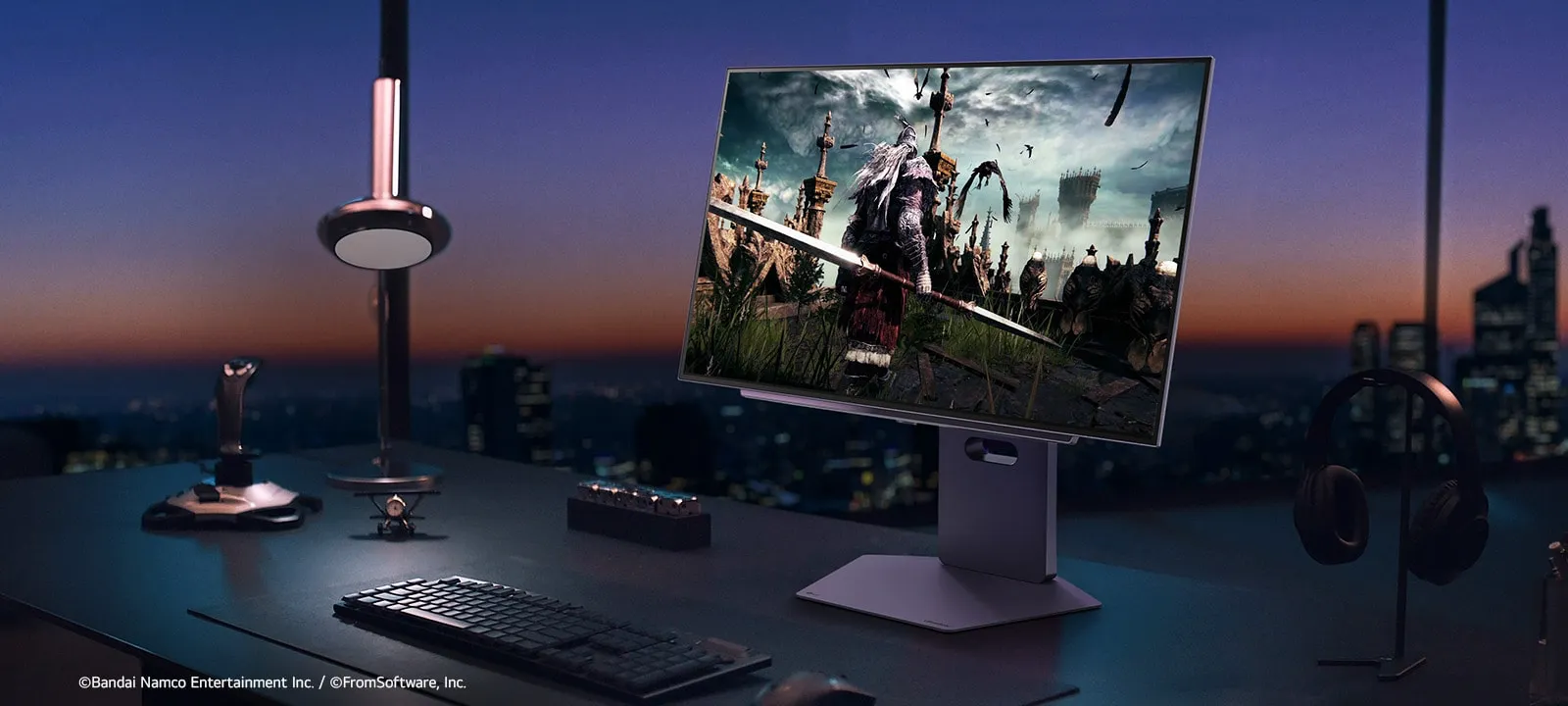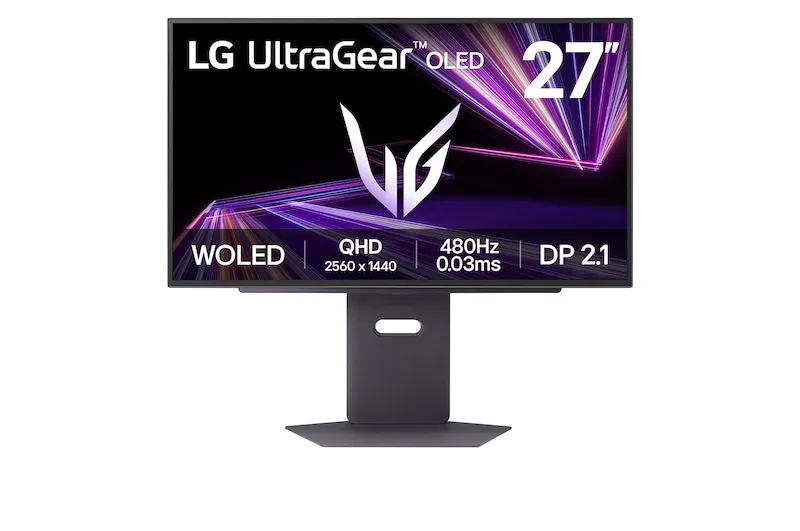
An OLED gaming QHD monitor with 480Hz, 0.03ms GtG response time, DisplayPort 2.1, DisplayHDR™ True Black 400, and the first VESA ClearMR 21000 certification for an OLED monitor.
*Promo price subject to current terms & campaign period. 60-month (5-year) subscription term. Graphics card not included.
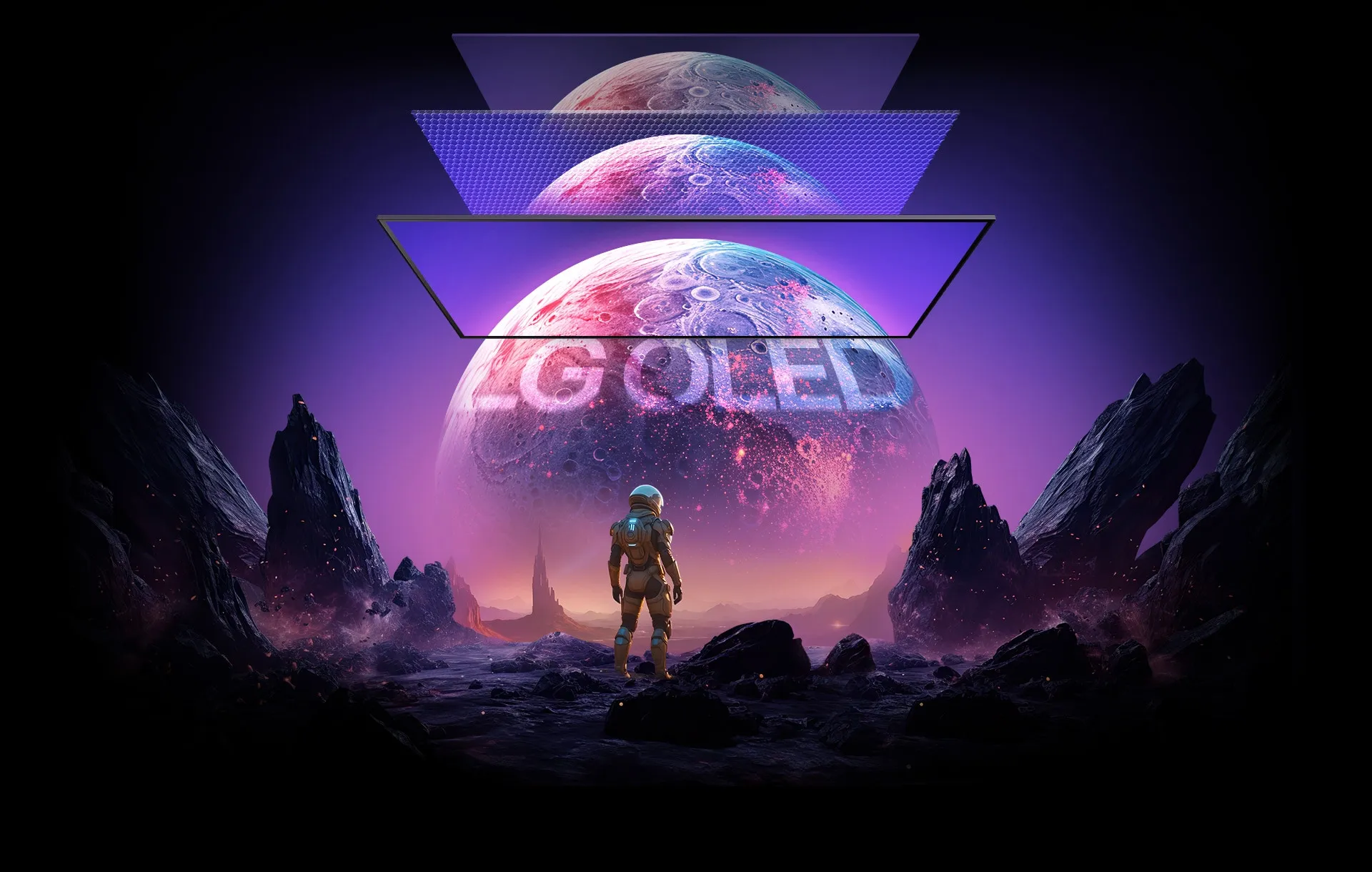
LG combines WOLED with Micro Lens Array+ technology to increase brightness while retaining the fast response and deep-black characteristics of OLED.
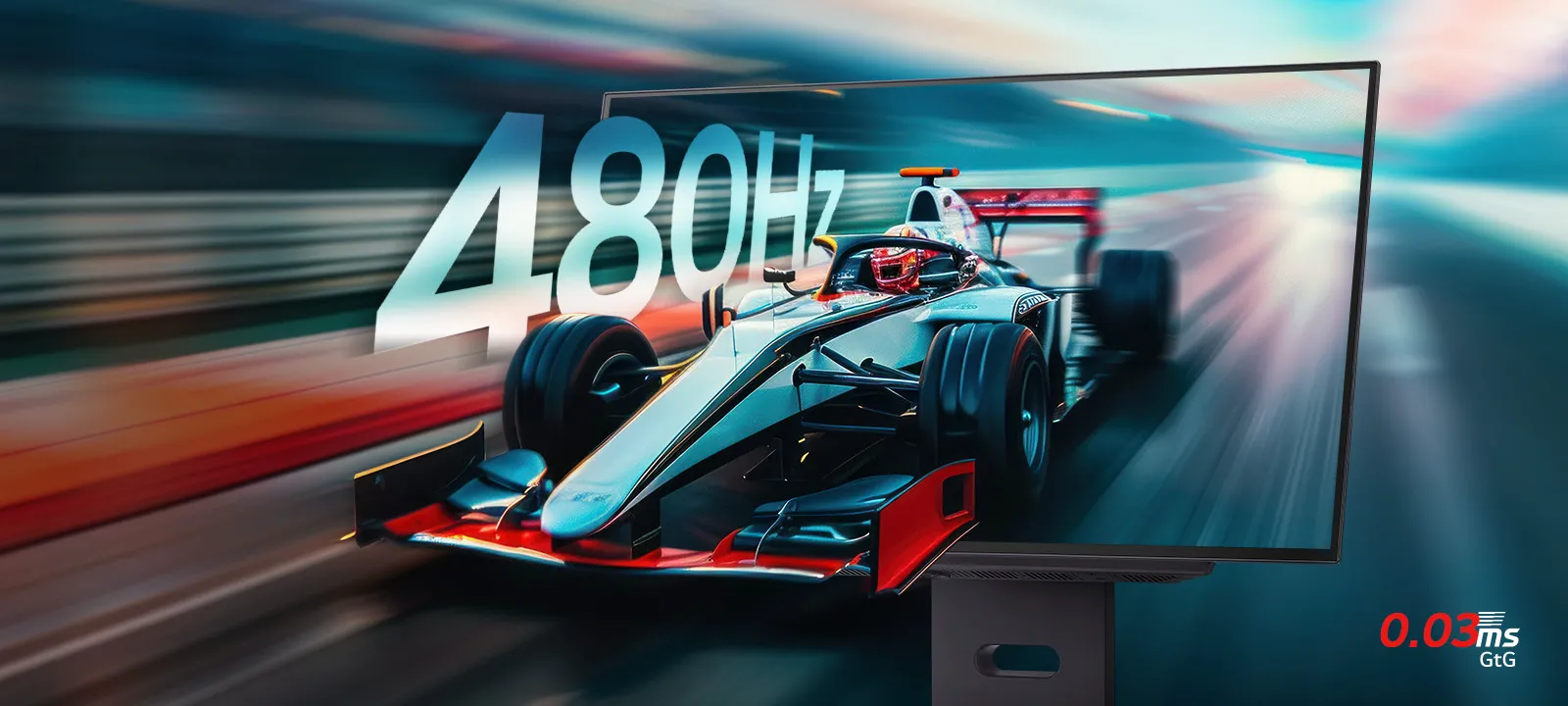
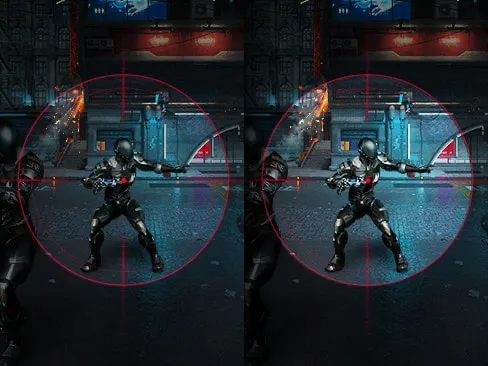
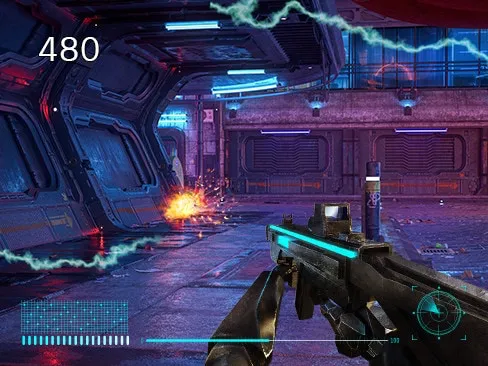
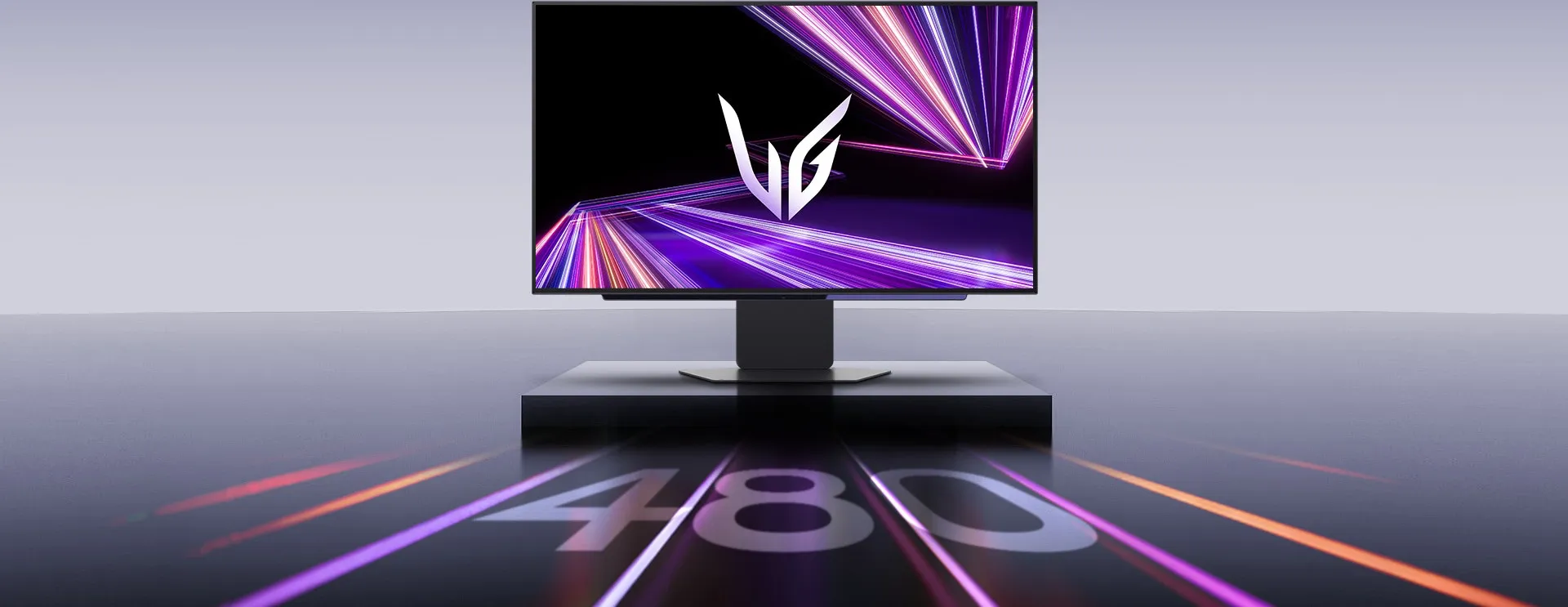
Lightning speed — our UltraGear™ OLED monitor delivers unmatched power with a 480Hz refresh rate, offering ultra-smooth visuals and a 0.03ms GtG response time for crisp, ghost-free gameplay that gives you a competitive edge.
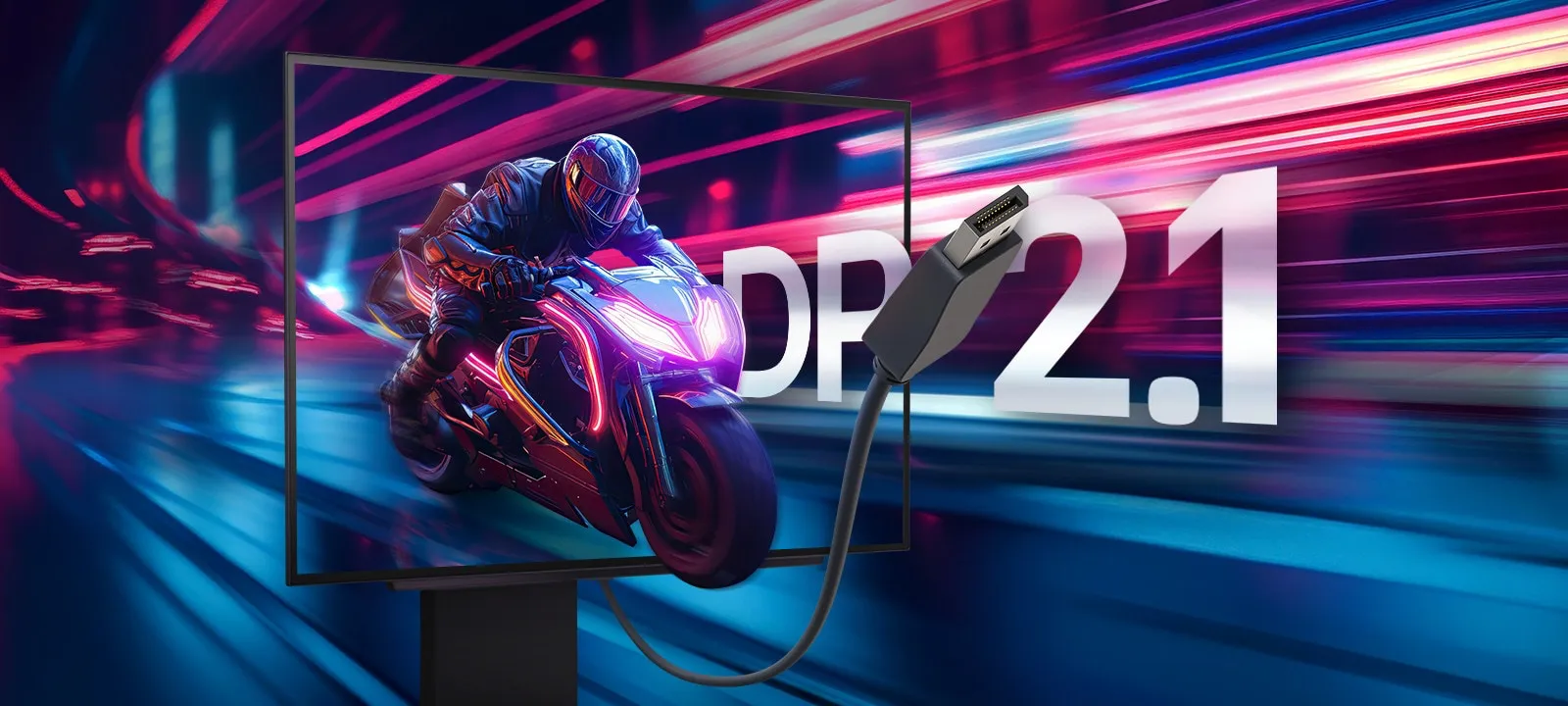
The latest DisplayPort 2.1 sets a new standard for next-generation gaming. It is an advanced interface expected to be introduced with the next generation of GPUs, enabling high-speed gaming at 480Hz in QHD resolution. Additionally, with multi-ports like HDMI 2.1 ×2, it seamlessly connects to the latest consoles and PCs.
*DP, HDMI, and USB cables are included in the package. The graphics card is NOT included. The official specification only confirms "DP Version 2.1" — UHBR20/80Gbps bandwidth is not claimed.
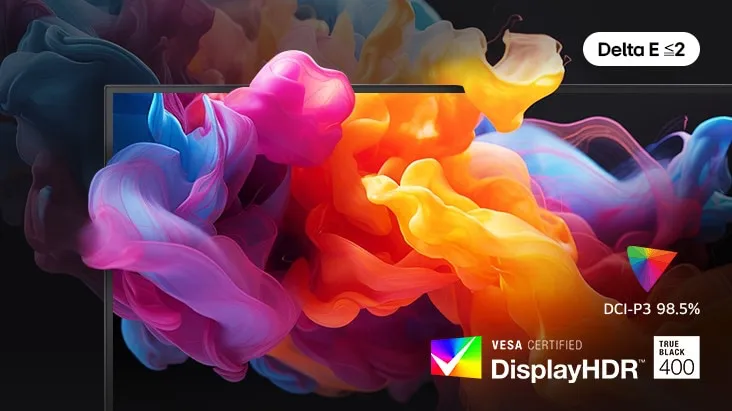
VESA DisplayHDR True Black 400 delivers deep and consistent black levels that remain unchanged across various environments. With a 1.5M contrast ratio, DCI-P3 98.5% (typical) color gamut, and Delta E ≤2 color accuracy ensures that colors are displayed with realistic detail, just as originally intended.
You no longer need to be in a dimly lit room. Even in bright environments or LED-lit gaming rooms, you can enjoy uninterrupted, crystal-clear visuals with Anti-glare and Low Reflection technology.

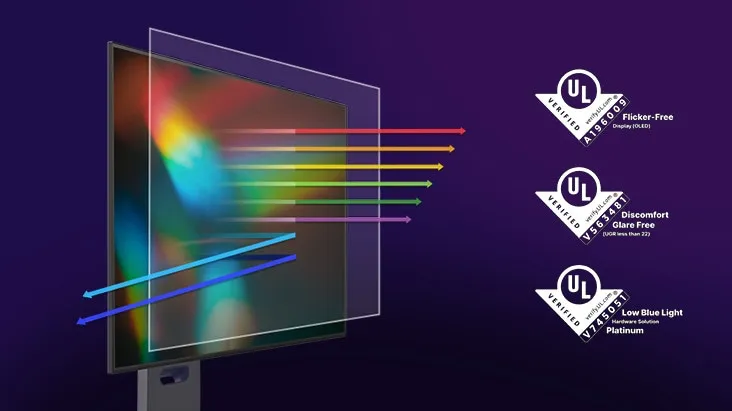
Experience gaming freely with reduced harmful blue light exposure. LG WOLED utilizes advanced technology that reduces blue light levels while preserving vivid and lifelike colors, certified by UL for low blue light platinum.
*Certificates: Flicker-Free Display (OLED) A196009, Discomfort Glare Free V563481, Low Blue Light Hardware Solution Platinum V745051. The above feature may vary depending on the user's computing environment or conditions.
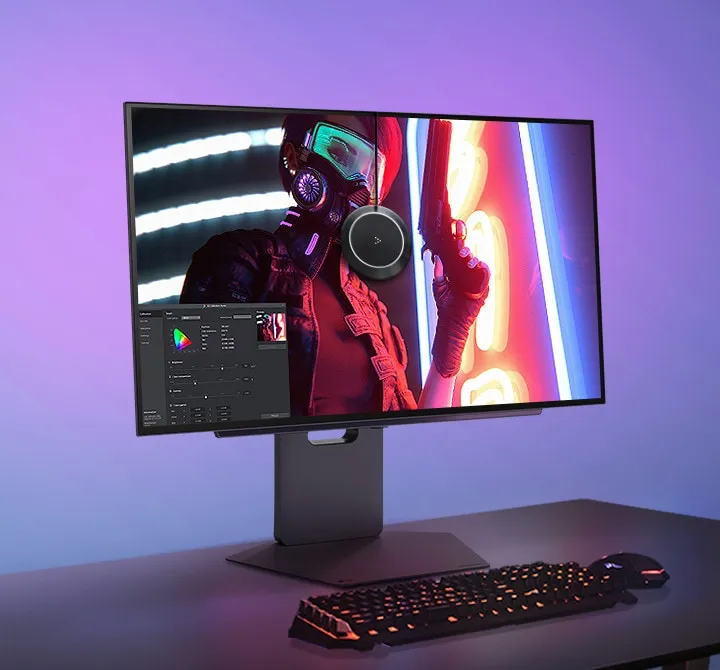
Upgrade your gaming and video experience with the quality tailored to your preferences, simply by selecting an image. Intuitively and effortlessly, the system customizes the settings to match your taste, delivering the optimal quality for you.
*How to set Personalized Picture Wizard: Step 1. Adjust to the personalized picture quality setting. (Run LG Switch app → Personalized Picture Wizard → Select quality preference through 6 steps → Complete personal quality setting through analysis.) Step 2. Run Personalized Picture in the On-Screen Display. (Game Adjust → Game Mode → Personalized Picture).
Three major sync certifications — use the arrows to see each one.
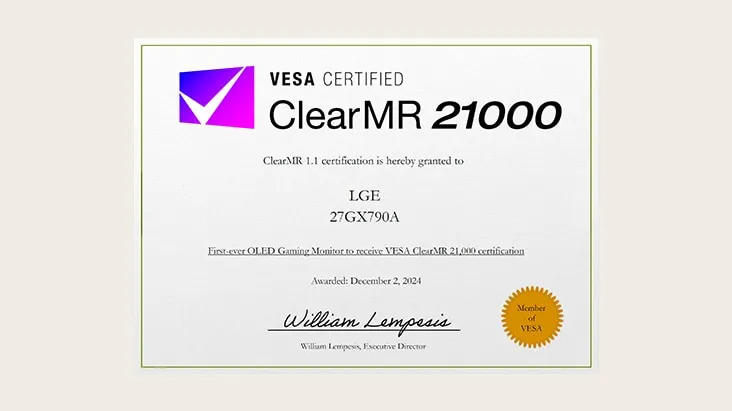
The first OLED gaming monitor certified by ClearMR 21000, finally captures even the subtle blurring that occurs around the edges of moving objects, displaying fast-moving action with sharpness and detail. Also, it allows you to take a step closer to victory.

A new standard set. Our monitor is the world's first to achieve ClearMR 21000 certification, exceeding VESA testing with a Clear Motion Ratio of over 19,500. Experience unparalleled clarity and smoothness.
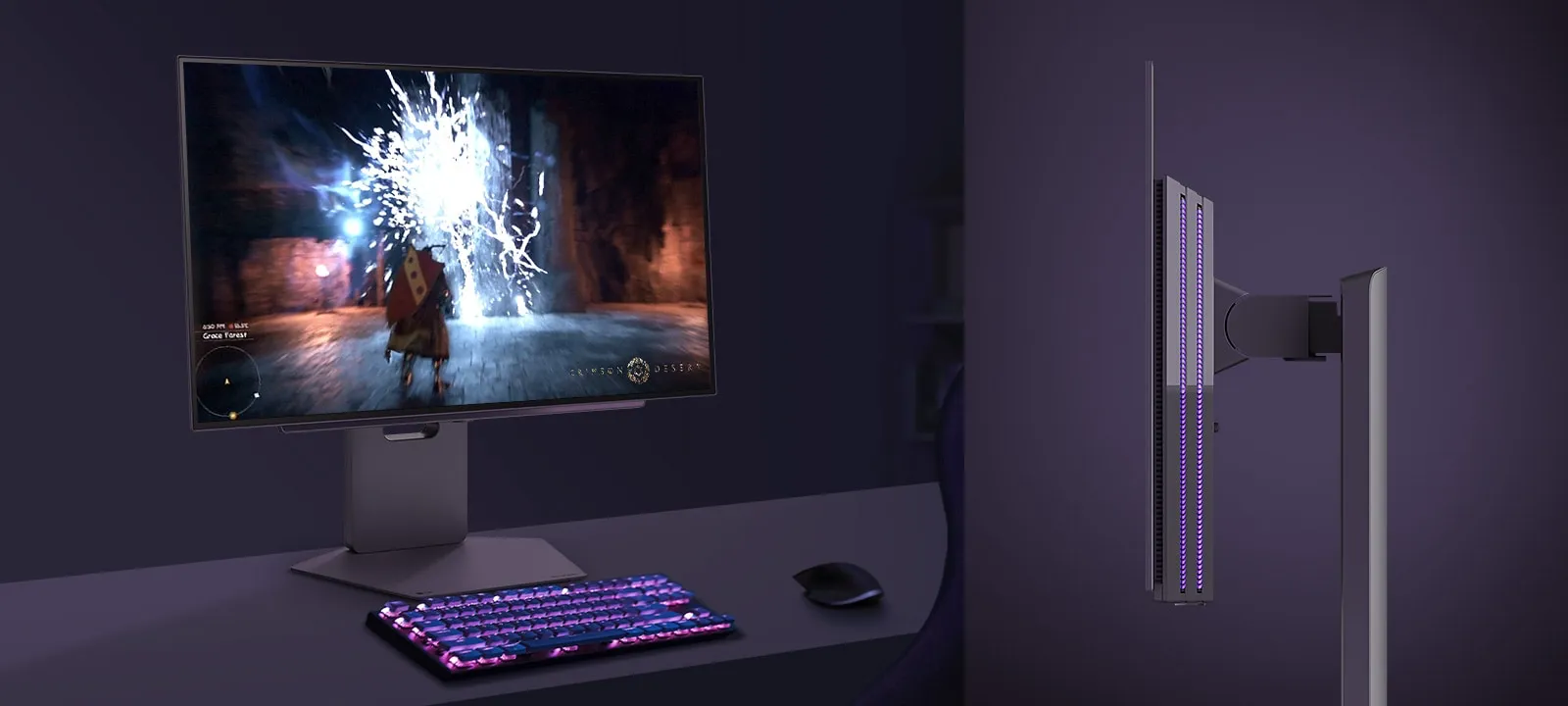
Experience our hexagon lighting and a virtually borderless 4-sided clean design featuring a fully adjustable base with swivel, tilt, height, and pivot. A clutter-free L stand and wide-range swivel adjustment are designed to minimize desk space usage and eliminate dead space efficiently.

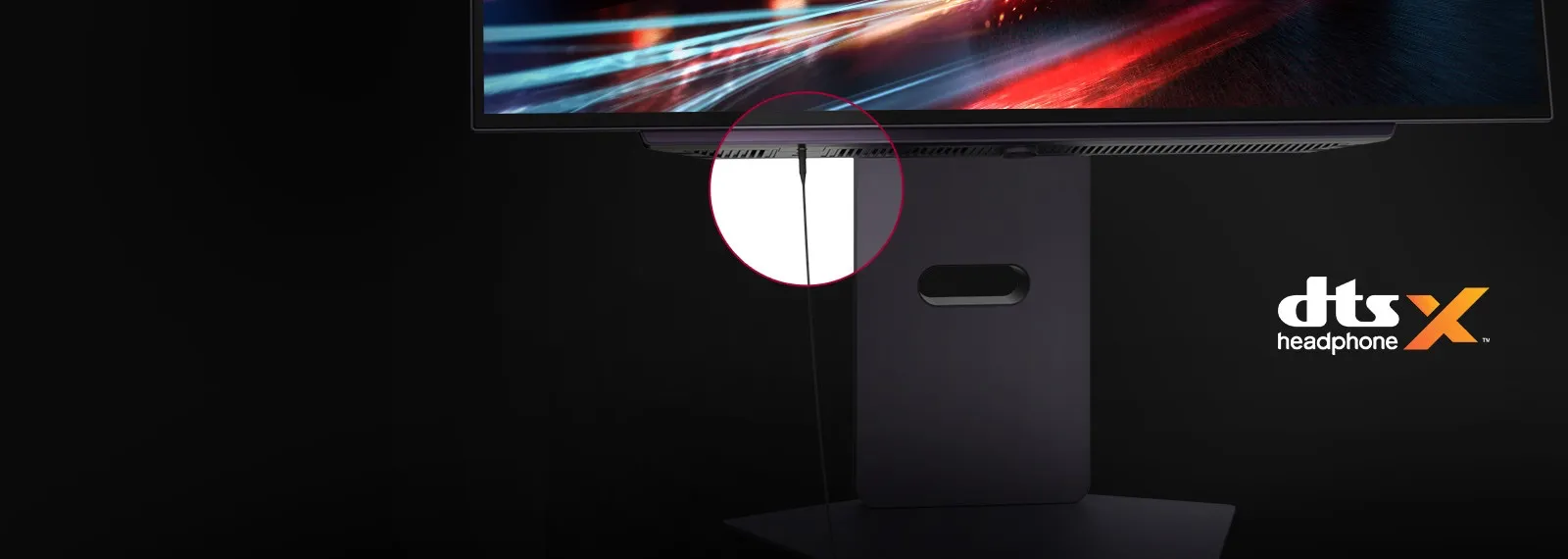
Enjoy your games while having voice chat by connecting easily with 4-pole headphone out. Also, feel even more immersive with virtual 3D sound with DTS HeadphoneX.
*Headsets sold separately.

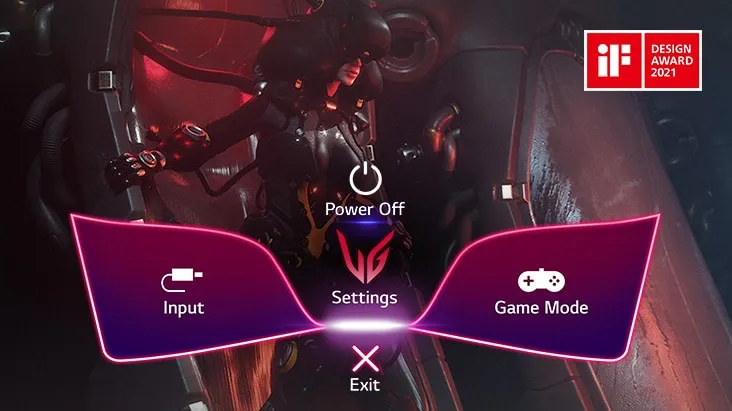
Gamers can use On-Screen Display and LG Switch to easily customize the setting from adjusting basic monitor options to registering 'User Defined Key' that user can set the shortcut.
*To download the LG Switch app, visit LG.COM.
Gaming monitor features a 27-inch display while also offering a 24-inch screen size adjustment option for games requiring quick responsiveness. This allows players to adapt to a more compact screen size for a wider view and reduced movements, enabling them to gain a competitive edge.
*How to set 24-inch mode: Open the OSD Menu → Input → Aspect Ratio and select 16:9 24.
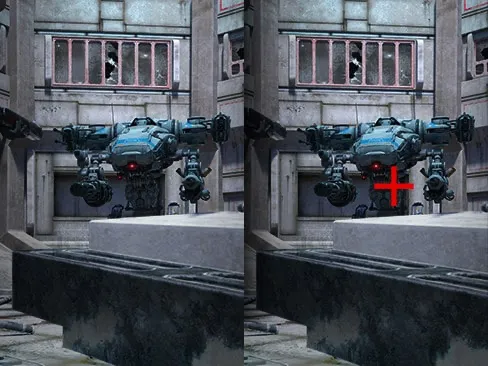
*The Crosshair feature is unavailable while FPS Counter is activated. FPS Counter may display the value that exceeds the monitor's maximum refresh rate. FPS (Frame Per Second) Counter: Measurement of frames per second.

By utilizing the hardware calibration of LG Calibration Studio, you can experience advanced color quality with extensive color spectrum and consistency.
*HW Calibration Ready: Yes. The software and the sensor are NOT included in the package — to download the latest LG Calibration Studio software, visit LG.COM.
[Option 1] Turn off the Smart Energy Saving mode.
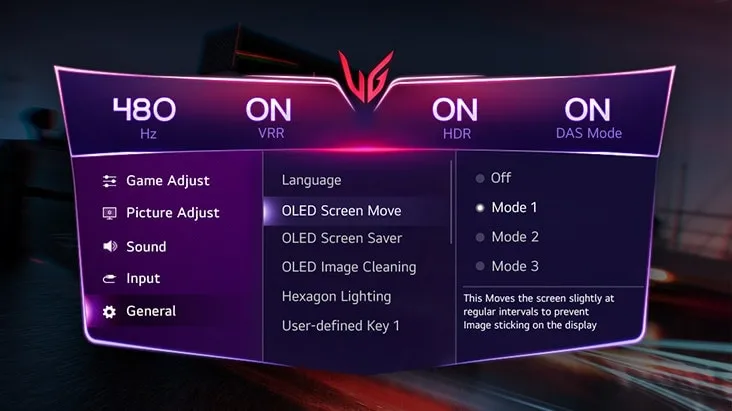
*These controls can be accessed through the monitor's four-way joystick. LG explicitly states that these methods may not prevent every instance of afterimage or OLED burn-in.
Official LG UltraGear OLED 27" Gaming QHD Monitor specifications.
Display
Connectivity
Features
Mechanical
Sound
Dimensions & Weights
Info
Power
Accessories
Software
The promo price is not the price for the whole contract. Here's the full breakdown, so you know exactly what to expect before signing.
| Model | Promo Months | N/P Months (after promo) |
|---|---|---|
| 27GX790A-B | RM80/mo (months 1–9) | RM120/mo (months 10–60) |
*Promo, N/P and outright prices subject to current terms & campaign period. Confirm with our agent before signing the contract.
WhatsApp Nurul 'Izzah for the latest price & to book — or fill in the form and we'll reach out to you.
Authorized LG Subscribe agent · Promo subject to current terms & campaign period